Result intelligence
Every View Result tap opens eight curated blocks covering score, vitals, drivers, responses, and next steps.
Meet At Risk Feet
Capture structured answers in minutes, apply ADA-aware scoring, and deliver bilingual, Gemini-powered guidance your clinicians can trust.
At Risk Feet unifies evidence-based risk logic, multilingual education, and analytics so every clinic follows the same playbook.
Built for clinicians, educators, and administrators
Every View Result tap opens eight curated blocks covering score, vitals, drivers, responses, and next steps.
Row actions, tier insights, and AI summaries live beside the lookup table—no modal hopping.
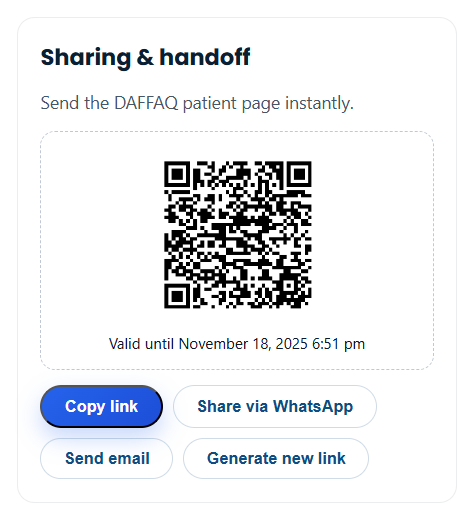
Generate, revoke, and resend QR-secured patient links without leaving the dashboard.
Scoped REST access, audit-friendly exports, and clinic-branded education keep governance tight.
Eight responsive cards summarise every patient visit
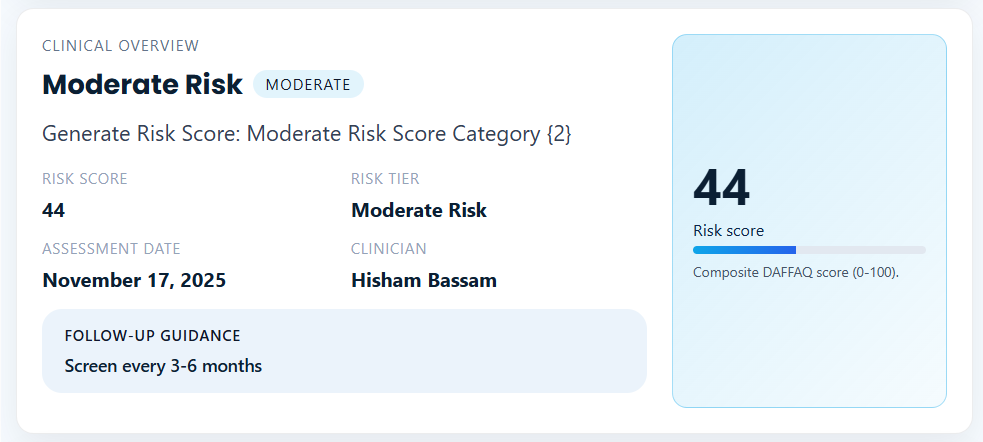
Block 01
Score, tier, clinician, and facility context displayed beside a dynamic score gauge.
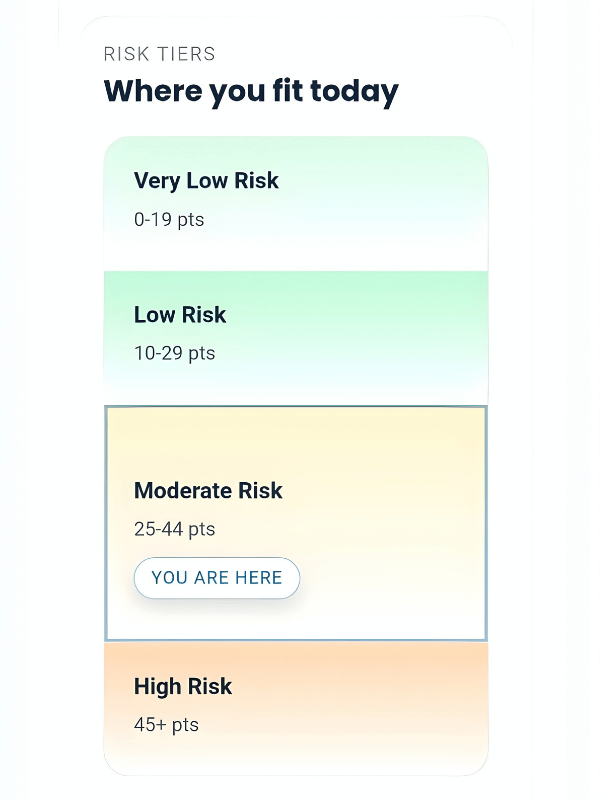
Block 02
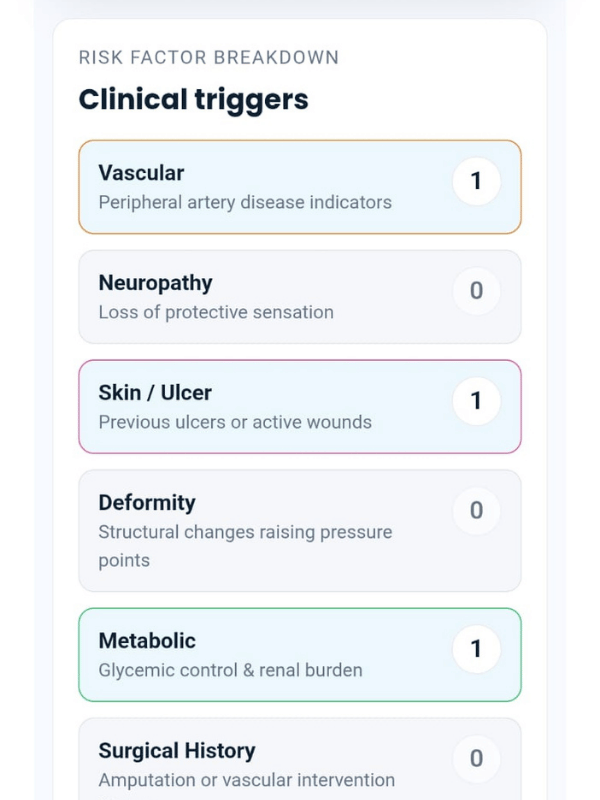
ADA level, urgent triggers, and identifiers rendered as color-coded cards for triage.
Block 05
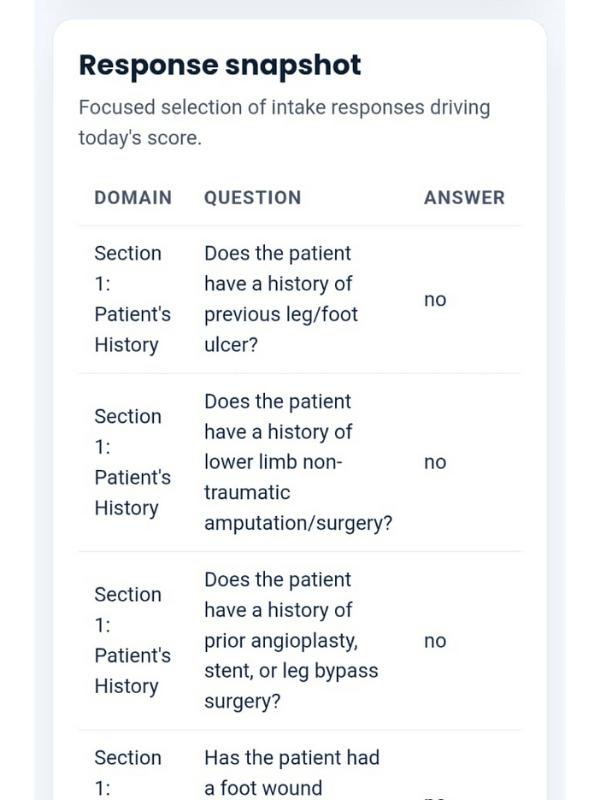
A lean table highlights the answers that drove today’s tier so teams can coach fast.
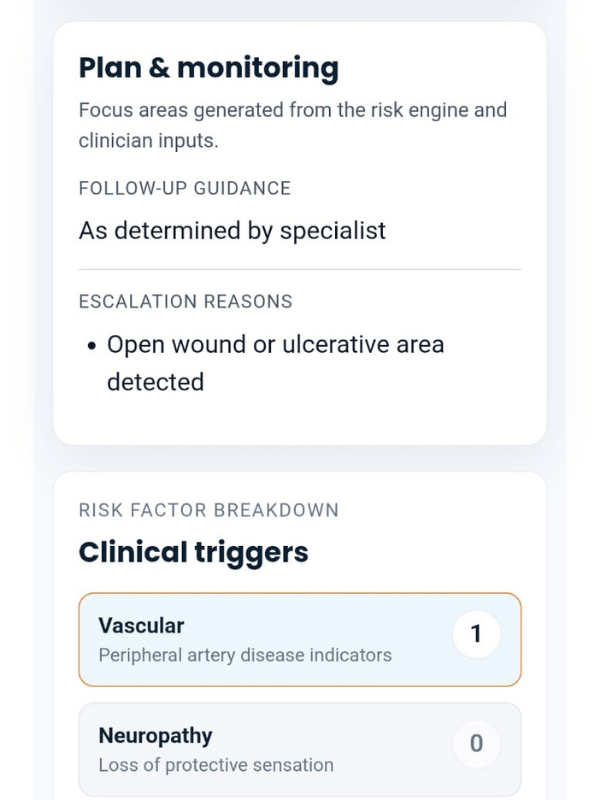
Block 08
Care plan, urgent reasons, clinician notes, and share console live in one pane.
From intake to follow-up in four steps
Guided intake collects vascular, neurologic, dermatologic, and behavioural data in minutes.
Risk logic scores, validates flags, and selects ADA follow-up pathways automatically.
Clinicians scan the eight-block dashboard: overview, KPIs, risk factors, responses, and plan.
QR, WhatsApp, and bilingual summaries reach patients instantly with expiry control.
Analytics, exports, and AI recaps keep teams aligned on follow-up and outreach.
Features that keep your team aligned with patients
Color-coded groups show vascular, neuropathy, skin, deformity, metabolic, and history triggers.
Delete, view, AI summary, and share live beside every assessment row for rapid workflows.
Patients toggle Arabic/English narratives instantly, while clinics inject their own branding.
Everything your team needs to launch
Sharing relies on short-lived tokens, QR validation, and REST scopes tied to each clinic role.
HELP copy, tier guidance, and branding can be adjusted per clinic, and patients toggle Arabic/English instantly.
Yes. Administrators can update the prompt and instructions from the settings page, defining tone, structure, and focus for every response.
Gemini responds using only the recorded assessment data, ADA guidance encoded in the app, and the clinical rules you configure. No generic advice—just contextual, evidence-aligned summaries.
Request a live walkthrough
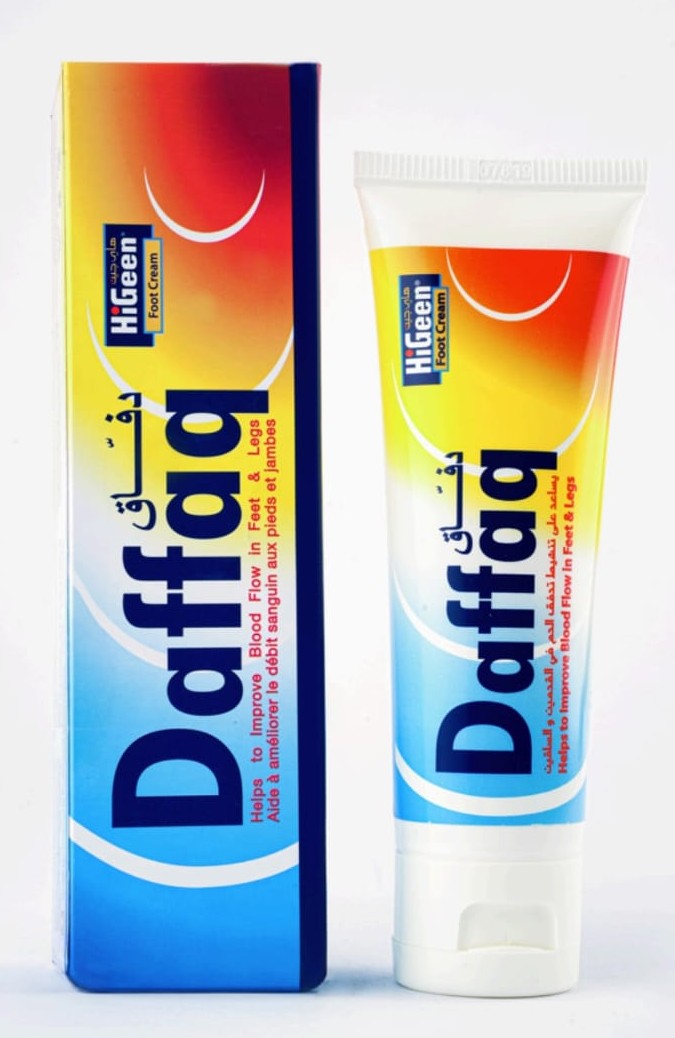
any new text can be edit from the settings control 2
Sign in to capture assessments, review analytics, and share QR-ready summaries.